

Latest Version
Querz
Games
Linux
Free
io.github.Querz.mcaselector
Report a Problem
More About MCA Selector
When managing massive Minecraft worlds, server administrators and players alike eventually hit a wall: bloated file sizes, corrupted regions, or outdated terrain generation. While in-game commands fall short for large-scale maintenance, MCA Selector Minecraft chunk management offers a precise, external solution to visualize and edit your world files down to the individual chunk.
What is MCA Selector?
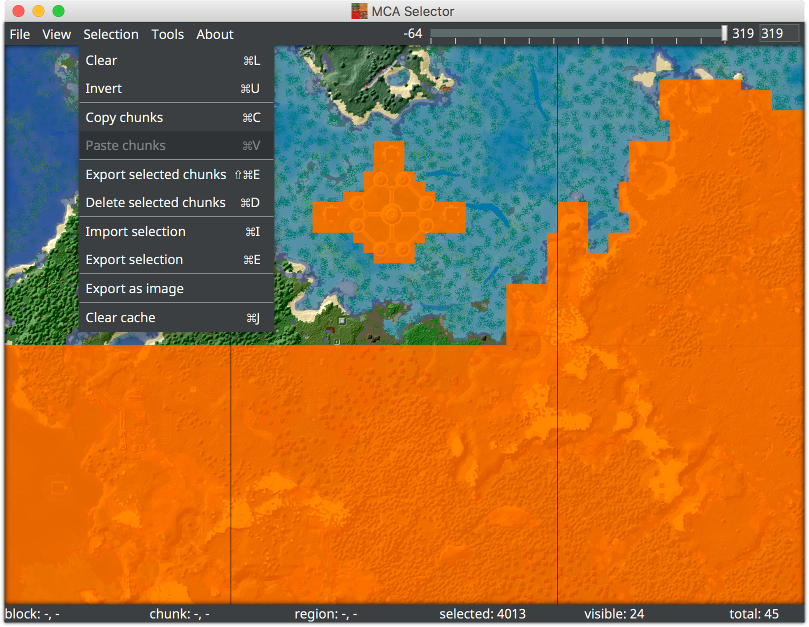
Developed by Querz for Linux and other Java-supporting platforms, MCA Selector is an interactive, high-performance external utility designed specifically for Minecraft Java Edition. Instead of loading into the game, this tool provides a comprehensive top-down visual map of your save files. From this interface, you can select, export, delete, or modify chunks and region files with pinpoint accuracy, making it an indispensable asset for world optimization and maintenance.
Key Features of This Powerful Chunk Editor
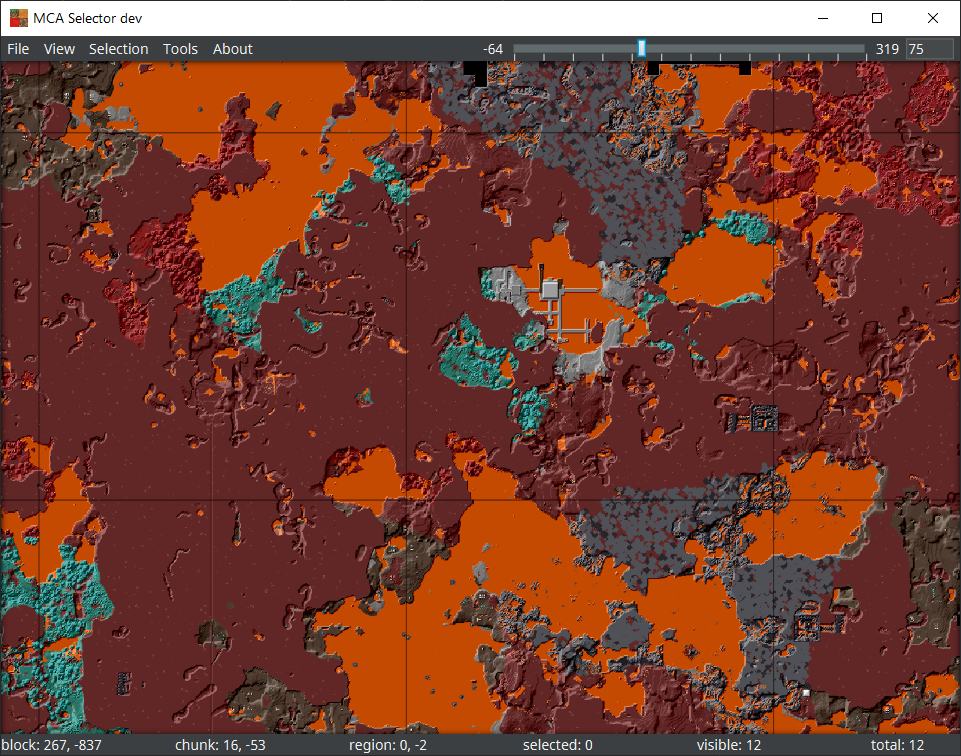
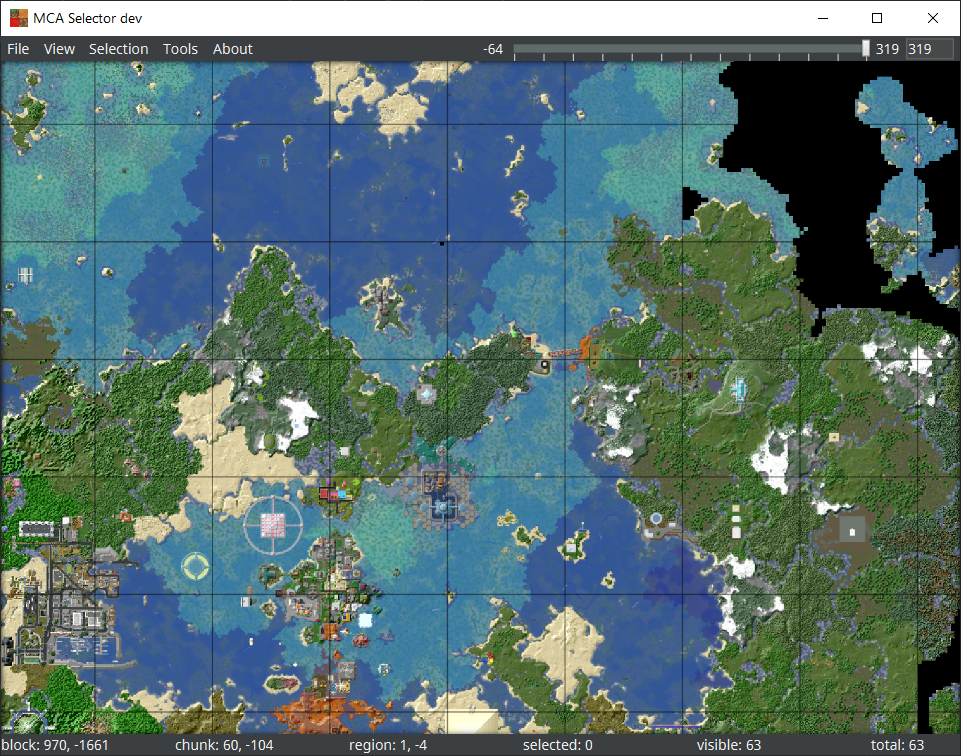
- Top-Down Map Visualization: Navigate through your Overworld, Nether, and End dimensions via a responsive visual grid that displays your world's layout for quick selection.
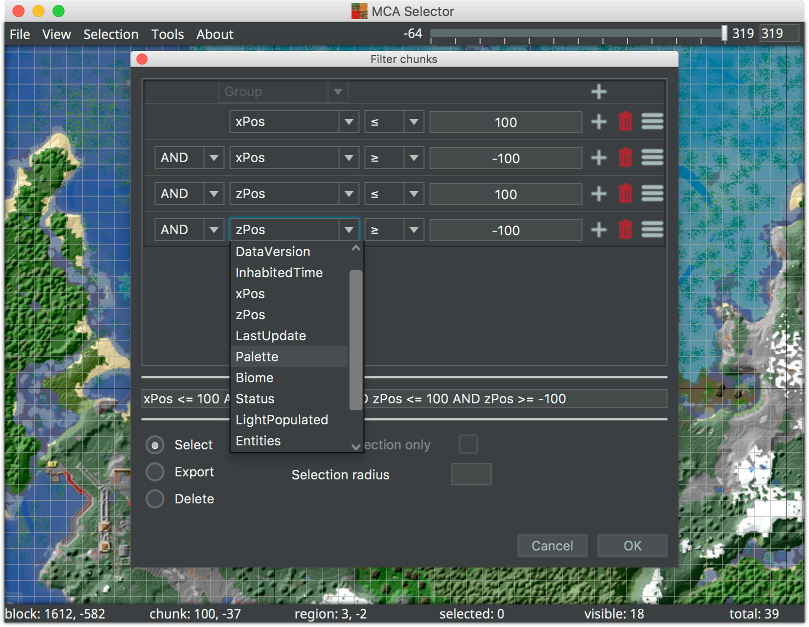
- Advanced Filtering Engine: Query your world files using chained filters. You can isolate chunks based on data version, last update time, player inhabited time, coordinates, or even write custom scripts.
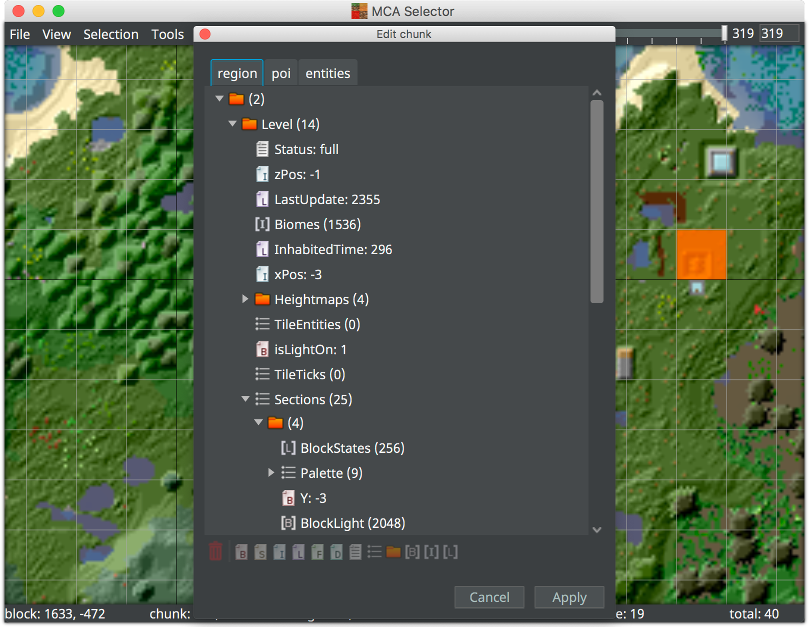
- Direct NBT Editing: Deep-dive into raw data using the built-in Chunk Editor. View and modify the entire NBT structure, including entity data and Point of Interest (POI) files, with drag-and-drop support.
- Seamless Chunk Import and Export: Safely copy selected regions from one world save and inject them directly into another.
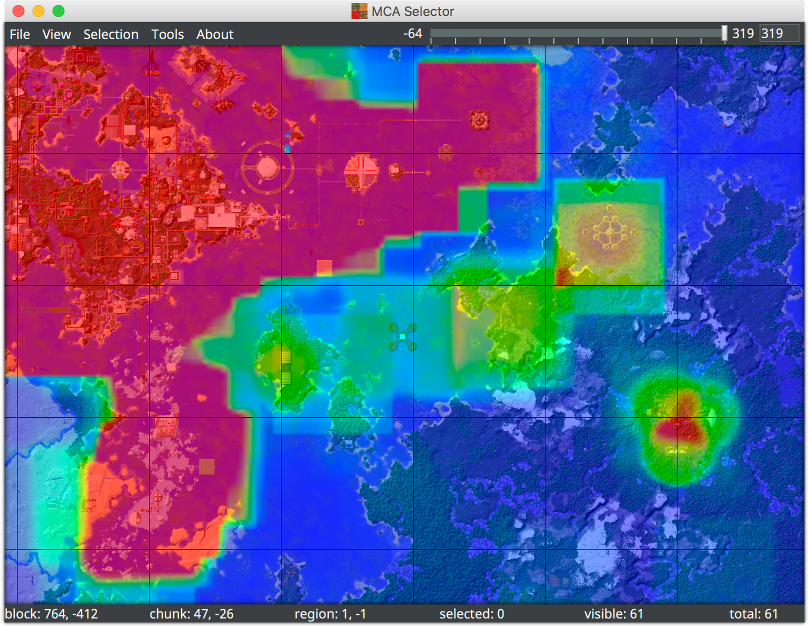
- In-Depth Overlays: Visualize complex chunk metrics as custom color gradients with adjustable minimum and maximum limits.
Who is MCA Selector For?
If you run a multiplayer server, MCA Selector Minecraft chunk management is a vital tool for trimming unused chunks to keep backup sizes manageable. It is also perfect for single-player enthusiasts who want to reset specific regions of their map to allow Minecraft to regenerate terrain with new update features, or for those who need to prune corrupted chunks that cause game crashes.
Using the Tool Safely
Because MCA Selector writes changes directly to your world files (including NBT modifications), it operates outside of Minecraft's safety checks. Always create a complete backup of your world folder before performing any deletion, regeneration, or editing tasks within the application.
Conclusion
For players seeking complete control over their save files, MCA Selector delivers an unmatched level of precision and utility. To explore this powerful utility for your Linux setup, visit the official Flathub store page to learn more about installation and compatibility.
Rate the App
User Reviews








Popular Apps










Editor's Choice