

Latest Version
Blueyacht Software
Shopping
Windows
Free
9n9pzsp6wc3k
Report a Problem
More About Barcode Manager for Windows
An Intelligent Scanning Hub for Your Windows PC
Finding a reliable, all-in-one utility to handle optical codes on desktop operating systems can be challenging. Barcode Manager for Windows barcode scanner by Blueyacht Software solves this problem by turning your computer's webcam, screen snips, and image files into a highly efficient scanning station. Whether you are managing school assets, tracking retail inventory, or organizing digital archives, this software streamlines your workflow with modern AI integrations.
Key Features of Barcode Manager for Windows
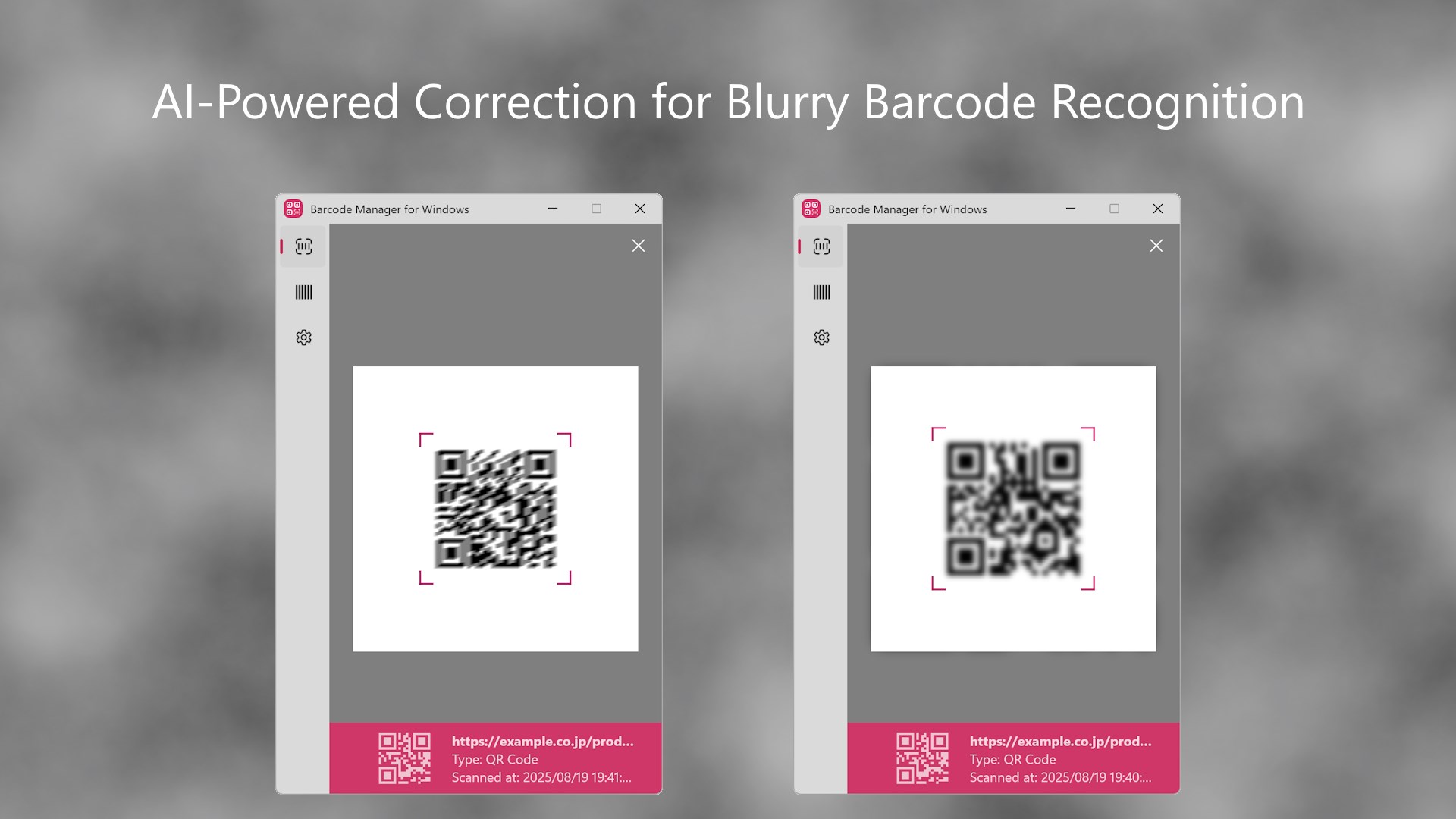
- AI-Enhanced Scanning Engine: The standout feature is its image-enhancement AI. If you capture a blurry barcode or a low-resolution photo from a smartphone, the built-in AI automatically clarifies the image to reduce reading errors and maximize scanning speed.
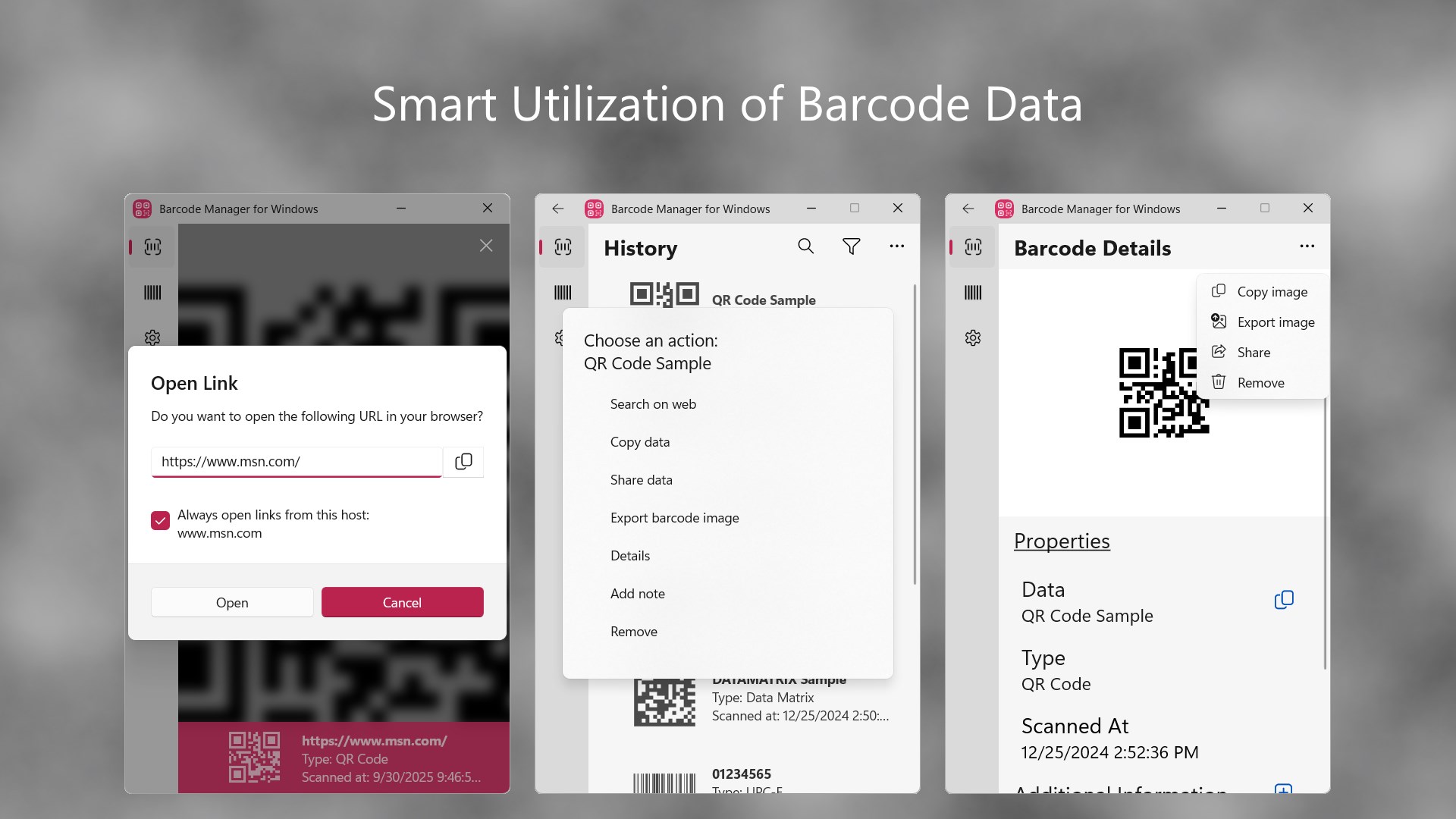
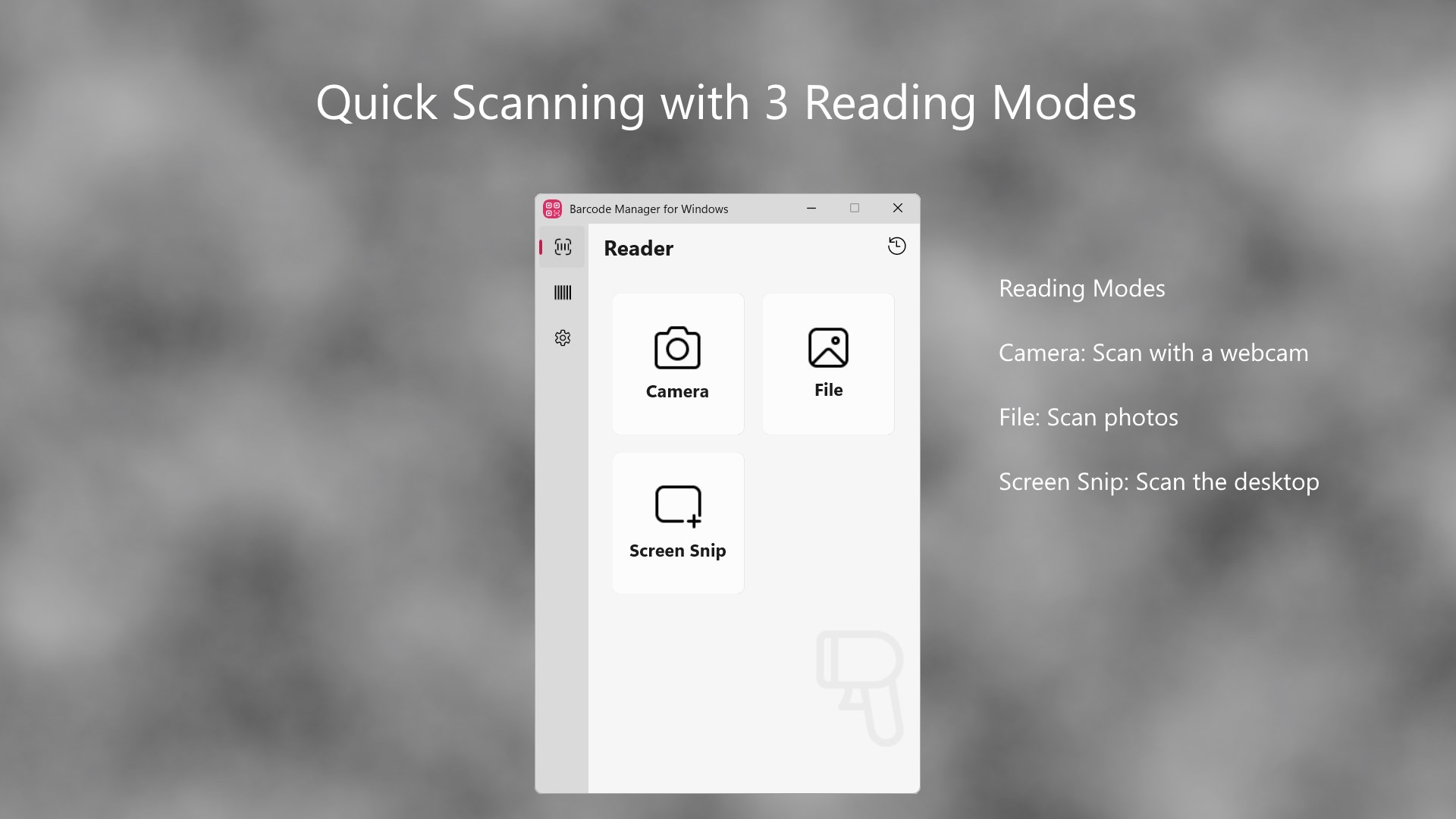
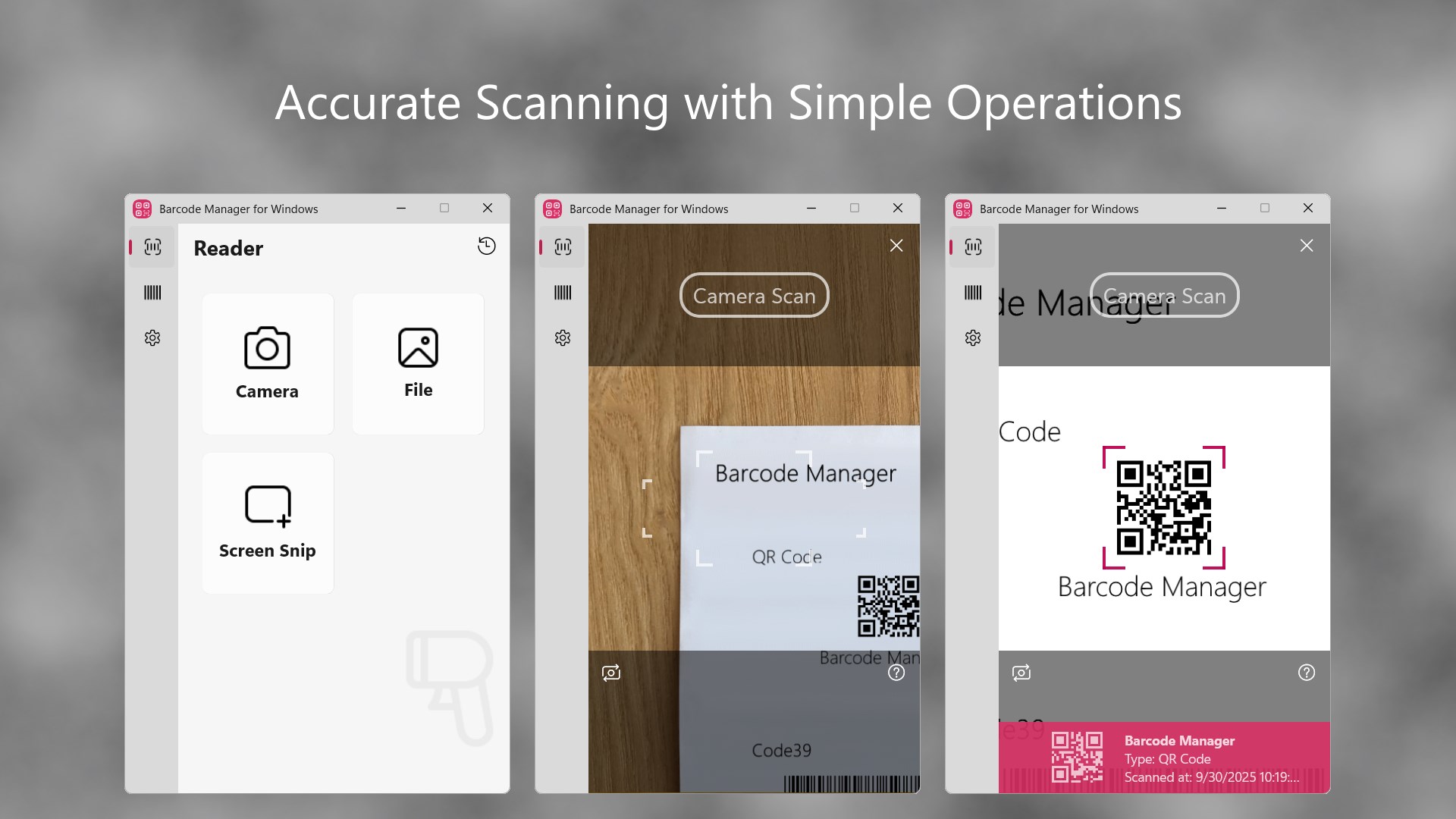
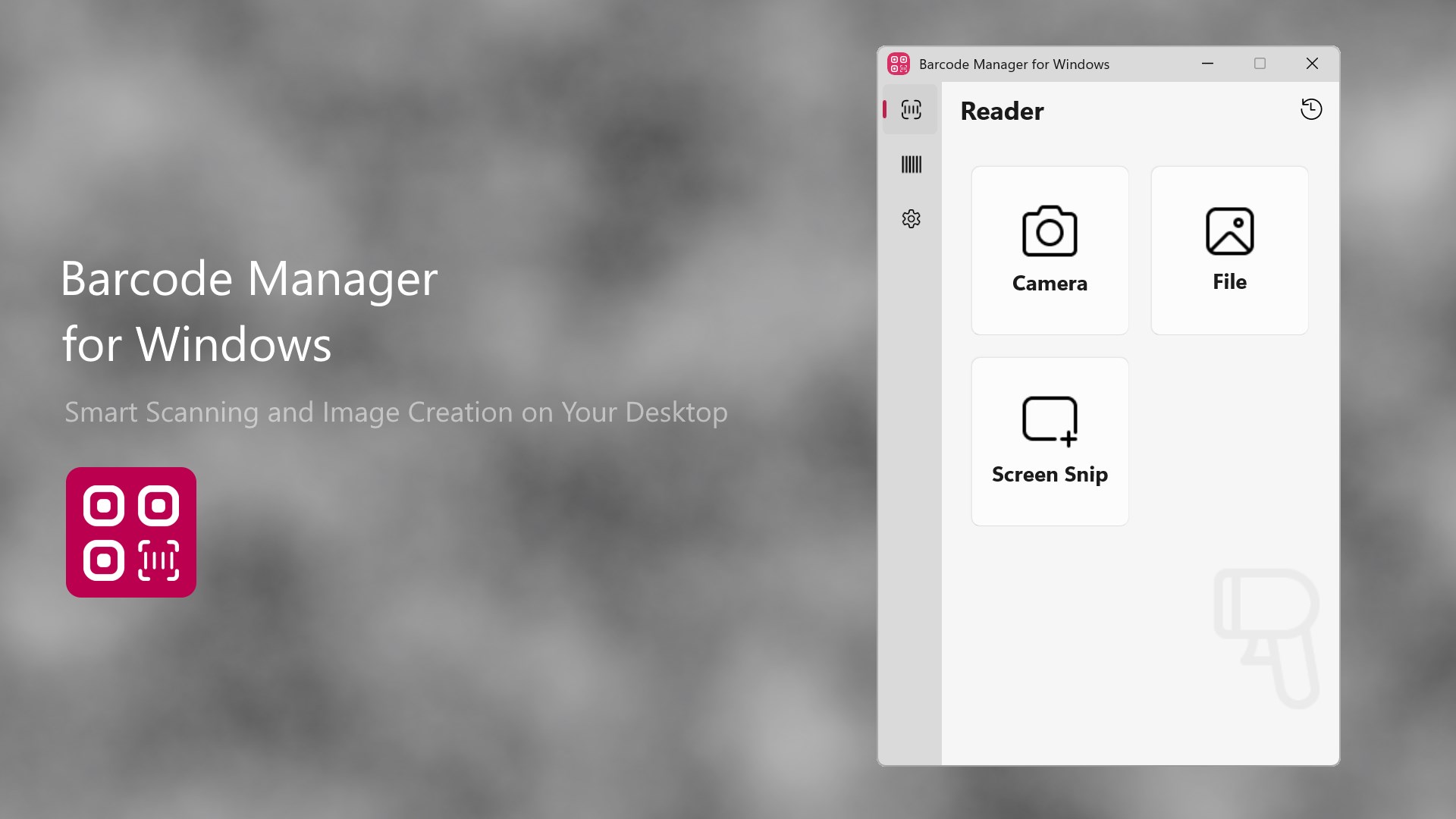
- Versatile Input Methods: You can scan physical codes in real time using your laptop’s built-in webcam or an external camera. Alternatively, use the Windows Snipping Tool to scan codes directly from your screen, or upload saved image files.
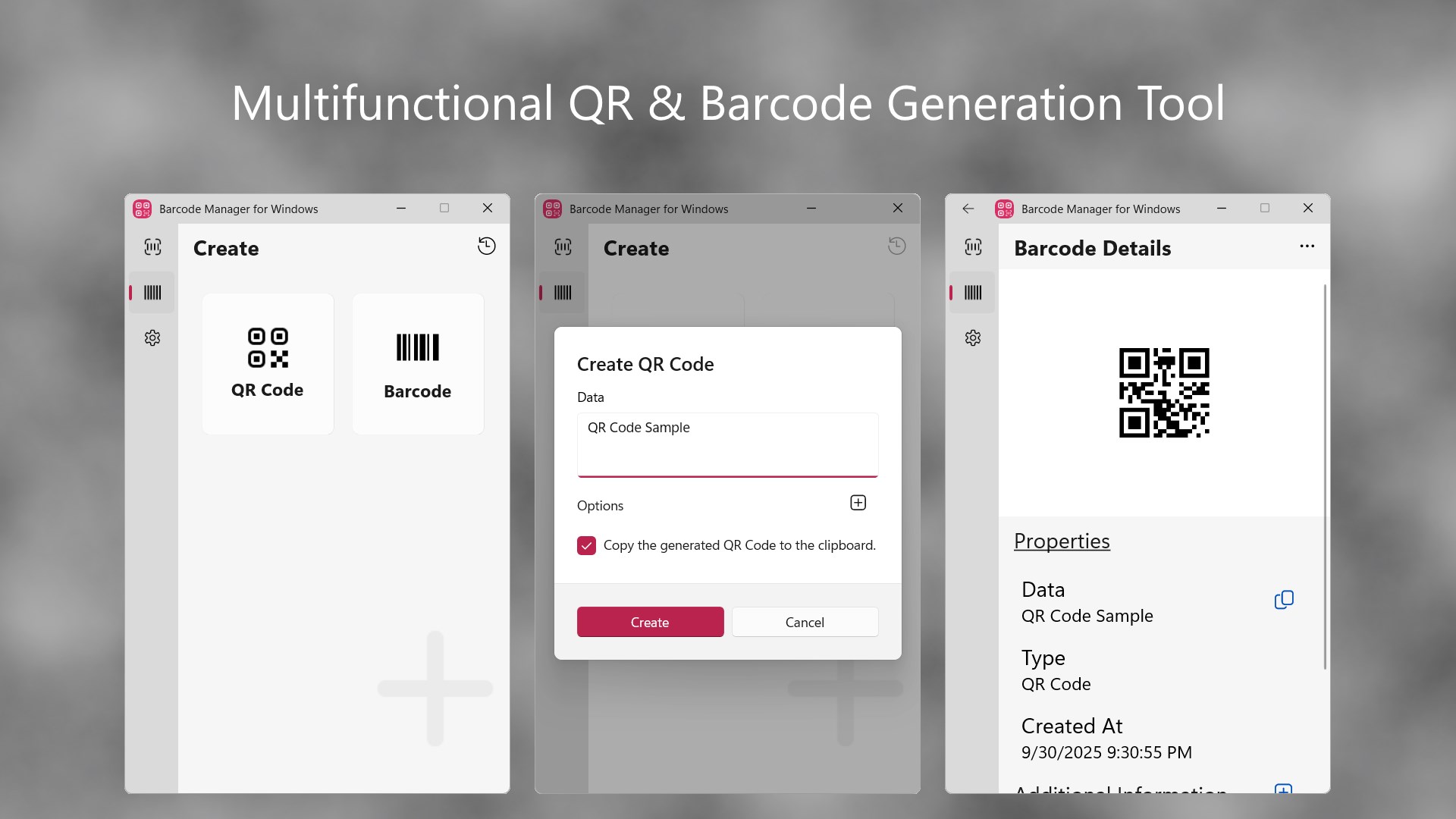
- Integrated Barcode Generator: Beyond reading, the application allows you to generate several popular formats, including QR codes and CODE128 codes. These can be exported as image files or pasted instantly into other productivity software.
- Local Data Security: Built with a privacy-first architecture, all scanned history is stored safely on your local device and is never transmitted to external servers. You can also export this history to a CSV file for simple record-keeping.
Who Benefits Most From This Software?
The Barcode Manager for Windows barcode scanner is designed to adapt to various professional and personal environments. Office administrators can scan incoming QR codes on invoices or shipping slips to accelerate bookkeeping. Educational institutions and nonprofit organizations can utilize the software entirely free of charge to catalog equipment and teaching materials. Meanwhile, small businesses and manufacturing professionals can implement it for inventory tracking and product traceability without investing in expensive dedicated hardware.
User Interface and System Integration
Blueyacht Software has optimized the app to feel like a native part of the Windows ecosystem. It fully supports light, dark, and high-contrast system modes, ensuring accessibility and visual comfort during long hours of operation. The clean, minimalist layout means beginners can start scanning and generating codes immediately without a steep learning curve.
Editorial Verdict
If you need a dependable, secure, and AI-powered tool to manage optical data on a desktop, this application is an excellent choice. To explore its licensing options or to try it out yourself, head over to the official Microsoft Store to download Barcode Manager for Windows.
Rate the App
User Reviews





Popular Apps










Editor's Choice